


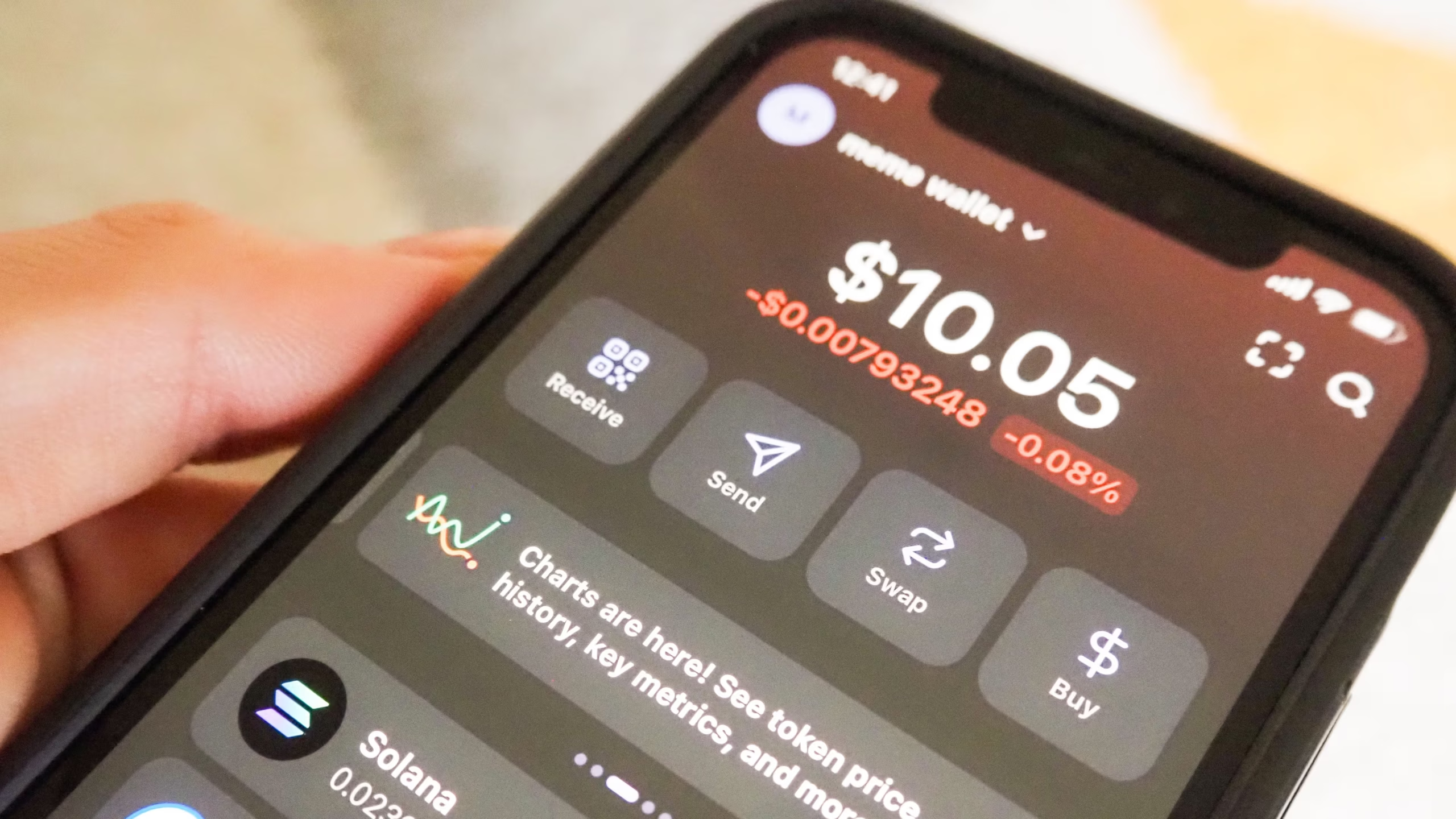
Many users have reported the Coinbase app not showing their balance; instead, just three dots are showing on the loading screen.
Coinbase is one of the world’s largest cryptocurrency exchanges, widely used for buying, selling, and storing digital assets.


Some users have recently reported an issue where their account balances are not displayed as numbers but instead appear as dots or asterisks.
This visual change can be alarming for users who rely on quick access to their portfolio value and may lead to confusion about the state of their holdings.
Why Coinbase Shows Balances as Dots
Coinbase allows users to toggle privacy settings that hide balance amounts on the dashboard.
When this setting is enabled, balances are replaced with dots to prevent others from viewing the account value at a glance.
This feature is intended primarily for users who access Coinbase in public or shared environments, where displaying exact balances could pose a security or privacy risk.
By default, Coinbase does not hide balances, but the setting can be activated manually through account preferences or app settings.
How to Check If Balance Hiding Is Enabled
To verify if this feature is causing the dots:
- Open the Coinbase app or log in via the web interface.
- Navigate to the Settings or Account section.
- Look for options labeled Hide Balances or Privacy Mode.
- If the toggle is active, disabling it will restore numeric balance display.
This is a straightforward way to ensure your balances appear normally without affecting security.
Other Possible Causes
While the privacy toggle is the most common reason for dots appearing, there are other potential causes.
Technical glitches or app updates can temporarily affect the display of balances.
If Coinbase experiences high server load or maintenance, balance information may not load correctly, resulting in placeholder dots.
In rare cases, cached app data or browser issues can also prevent balances from displaying properly.
Clearing app cache, updating to the latest version, or logging out and back in can resolve these temporary issues.
Steps to Troubleshoot the Issue
Users experiencing balance dots can follow several steps to troubleshoot:
- Check the privacy setting – Ensure “Hide Balances” is not enabled.
- Update the app – Install the latest Coinbase app version or refresh the web interface.
- Clear cache and cookies – For web users, clearing browser cache can help display correct information.
- Restart the app or browser – Closing and reopening the application often resolves minor glitches.
- Check network connection – Slow or unstable internet may prevent balance data from loading.
- Contact support – If none of the above steps work, reaching out to Coinbase support can provide guidance and confirm if the issue is system-wide.
Coinbase’s Response
Coinbase acknowledges that some users may encounter display issues after app updates or during maintenance.
They recommend checking app settings, ensuring the app is up to date, and verifying network connectivity.
Coinbase support often advises users not to panic, as balance dots do not indicate lost funds; the actual cryptocurrency holdings remain intact on the blockchain.
The dots are strictly a display and privacy issue rather than an account or security problem.
Importance of Balance Privacy
The option to hide balances reflects the growing importance of privacy in cryptocurrency usage.
Unlike traditional banking, cryptocurrency wallets are often viewed publicly if someone accesses your device, and Coinbase’s balance-hiding feature allows users to mitigate this risk.
It is particularly useful in public or shared environments, where visible balances could attract unwanted attention.
Coinbase’s inclusion of this feature demonstrates a balance between usability and security for users managing digital assets.
Overview
If Coinbase displays balances as dots, the most likely reason is the privacy mode or balance-hiding setting being enabled.
Technical issues, app glitches, or temporary server problems may also contribute, but these are generally resolved with routine troubleshooting.
Users can restore numeric balance displays by checking privacy settings, updating the app, clearing cache, or contacting support if necessary.
It is important to understand that seeing dots instead of numbers does not mean funds are missing or compromised; it is a visual feature designed to enhance privacy.
By taking the correct steps, users can ensure their balances are visible when desired while still benefiting from Coinbase’s privacy features in public settings.
This issue underscores the growing emphasis on privacy and user control within cryptocurrency platforms, reflecting the evolving needs of digital asset users.